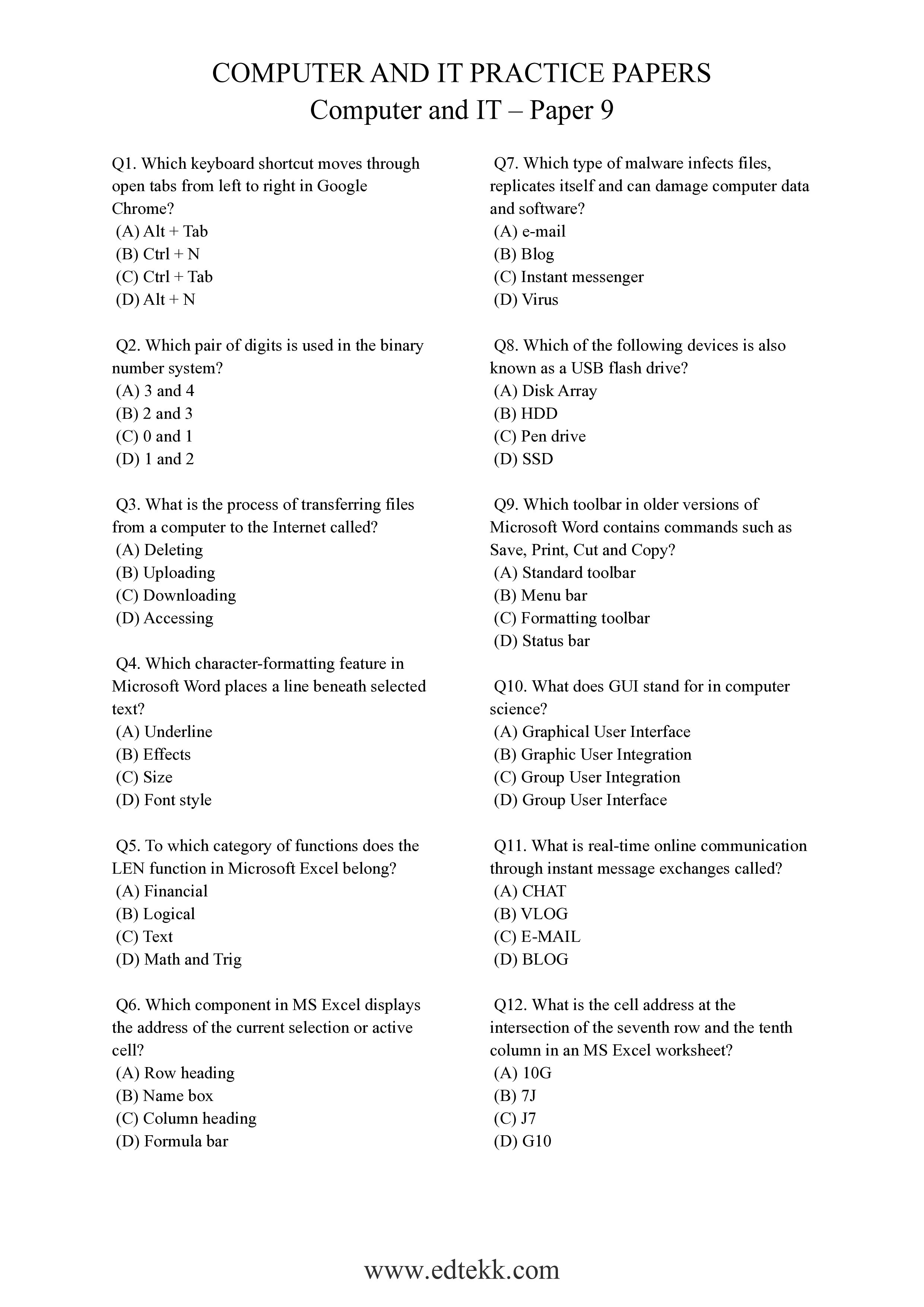
Improve your competitive-exam preparation with Computer and IT Practice Paper 9, suitable for Police Constable and Police SI aspirants. This practice set offers objective questions on important computer and information technology concepts, supported by answers and explanations to strengthen subject knowledge and improve performance in recruitment examinations.
Test Details
Topic: Computer and IT
Total Questions: 20
Question Format: MCQs – Single Correct Answer
Suitable for: Police Constable, Police SI
Download All Papers in This Series (PDF)
Questions and Answers
Q1. Which keyboard shortcut moves through open tabs from left to right in Google Chrome?
(A) Alt + Tab
(B) Ctrl + N
(C) Ctrl + Tab
(D) Alt + N
Explanation: In Google Chrome on Windows and Linux, Ctrl + Tab switches to the next open tab, moving from left to right through the tab sequence. When the final tab is reached, the shortcut cycles back to the first tab. Ctrl + Shift + Tab moves in the opposite direction. These shortcuts improve navigation when multiple browser tabs are open.
Q2. Which pair of digits is used in the binary number system?
(A) 3 and 4
(B) 2 and 3
(C) 0 and 1
(D) 1 and 2
Explanation: Binary code is a system of representing information using two digits: 0 and 1. Digital computers use these two binary digits to represent data, instructions and other information. Each binary digit is called a bit, which is the fundamental unit of digital information.
Q3. What is the process of transferring files from a computer to the Internet called?
(A) Deleting
(B) Uploading
(C) Downloading
(D) Accessing
Explanation: Uploading means transferring data or files from a local computer or device to a remote computer, server or Internet-based platform. Downloading refers to the opposite process, in which data is transferred from the Internet or another remote system to the user’s device.
Q4. Which character-formatting feature in Microsoft Word places a line beneath selected text?
(A) Underline
(B) Effects
(C) Size
(D) Font style
Explanation: Underline is a character-formatting feature in Microsoft Word that places a line beneath selected text. It is used to emphasise particular words or passages without changing their font size or paragraph alignment.
Q5. To which category of functions does the LEN function in Microsoft Excel belong?
(A) Financial
(B) Logical
(C) Text
(D) Math and Trig
Explanation: The LEN function belongs to the Text category in Microsoft Excel. It returns the number of characters in a specified text string, including spaces and punctuation marks. For example, =LEN(“INDIA”) returns 5.
Q6. Which component in MS Excel displays the address of the current selection or active cell?
(A) Row heading
(B) Name box
(C) Column heading
(D) Formula bar
Explanation: The Name Box displays the address of the active cell or selected range. For example, when C7 is active, the Name Box displays C7. It is located to the left of the Formula Bar.
Q7. Which type of malware infects files, replicates itself and can damage computer data and software?
(A) e-mail
(B) Blog
(C) Instant messenger
(D) Virus
Explanation: A computer virus is a type of malicious software that can infect files or programs, replicate by attaching itself to other files, and spread between computers. It may damage, modify or delete data and disrupt software operations. Viruses are one category of malware, alongside worms, trojans and ransomware.
Q8. Which of the following devices is also known as a USB flash drive?
(A) Disk Array
(B) HDD
(C) Pen drive
(D) SSD
Explanation: A pen drive, also called a USB flash drive, is a portable storage device that uses flash memory and connects through a USB interface. It is commonly used to store and transfer digital files. Unlike a conventional hard disk drive, it has no moving mechanical parts.
Q9. Which toolbar in older versions of Microsoft Word contains commands such as Save, Print, Cut and Copy?
(A) Standard toolbar
(B) Menu bar
(C) Formatting toolbar
(D) Status bar
Explanation: The Standard Toolbar in older versions of Microsoft Word contains commonly used commands for routine tasks, including saving, printing, cutting, copying and pasting. In modern versions, these functions are available through the Quick Access Toolbar and Ribbon.
Q10. What does GUI stand for in computer science?
(A) Graphical User Interface
(B) Graphic User Integration
(C) Group User Integration
(D) Group User Interface
Explanation: GUI stands for Graphical User Interface. It enables users to interact with computers through graphical elements such as windows, icons, menus and buttons rather than relying exclusively on text-based commands. GUIs provide a visual and user-friendly means of interacting with computer systems and applications.
Q11. What is real-time online communication through instant message exchanges called?
(A) CHAT
(B) VLOG
(C) E-MAIL
(D) BLOG
Explanation: Chat refers to online communication in which two or more participants exchange messages interactively, often in real time. Unlike traditional email, which may involve delays between responses, chat typically enables rapid exchanges and may also support voice calls, video calls, and file sharing.
Q12. What is the cell address at the intersection of the seventh row and the tenth column in an MS Excel worksheet?
(A) 10G
(B) 7J
(C) J7
(D) G10
Explanation: Excel cell references consist of the column letter followed by the row number. The tenth column is J, and the seventh row is 7. Therefore, their intersection is J7.
Q13. What are electronic documents available on the Internet commonly called?
(A) printed pages
(B) hardcopy
(C) web pages
(D) Colour pages
Explanation: Web pages are electronic documents available on the World Wide Web. They can contain text, images, hyperlinks, audio, video, and interactive elements. Users generally access web pages through web browsers, typically by entering or following URLs.
Q14. Which malicious tools record keyboard inputs to steal passwords and other sensitive information?
(A) Virus
(B) Keyloggers
(C) Worms
(D) Ransomware
Explanation: Keyloggers are software programs or hardware devices that record keystrokes entered through a keyboard. Malicious keyloggers can capture usernames, passwords, financial information, and private communications without the user’s knowledge. Although some keylogging tools have legitimate administrative or diagnostic applications, unauthorized keylogging poses a significant cybersecurity threat by compromising confidential information.
Q15. What is another name for net banking?
(A) e-transfer
(B) e-banking
(C) e-process
(D) e-commerce
Explanation: Net banking, also known as internet banking or online banking, is a form of e-banking that enables customers to access banking services through the internet. Common services include checking account balances, transferring funds, paying bills and viewing transaction histories.
Q16. Which early computer network is widely regarded as a principal precursor to the modern Internet?
(A) APNET
(B) ANET
(C) ARPANET
(D) PANET
Explanation: ARPANET (Advanced Research Projects Agency Network) was developed in the United States under the Advanced Research Projects Agency (ARPA) in the late 1960s. It was an early packet-switching network and is widely regarded as a principal precursor to the modern Internet.
Q17. Which worksheet component displays the address of the selected cell in MS Excel?
(A) Formula bar
(B) Name box
(C) Status bar
(D) Title bar
Explanation: The Name Box displays the address or reference of the active cell or selected range. For example, if B5 is selected, the Name Box displays B5. It is located to the left of the Formula Bar.
Q18. What does the Ctrl + E keyboard shortcut do in MS Word 365?
(A) centre align the selected text
(B) justify the selected text
(C) right align the selected text
(D) display the file menu options
Explanation: Ctrl + E is the keyboard shortcut for centre-aligning a paragraph in Microsoft Word 365. It positions the paragraph centrally between the left and right margins. Other alignment shortcuts include Ctrl + L for left alignment, Ctrl + R for right alignment and Ctrl + J for justified alignment.
Q19. What is the database used by Microsoft Windows to store configuration information called?
(A) Record
(B) Registry
(C) Cache
(D) Cookie
Explanation: The Windows Registry is a hierarchical database that stores configuration settings for the Windows operating system, installed applications, hardware devices, and user preferences. It contains keys and values that help Windows and compatible applications function correctly. Users and administrators can inspect or modify registry entries using Registry Editor, although incorrect modifications may cause system instability.
Q20. Which of the following is NOT antivirus software?
(A) Avast
(B) Norton
(C) Linux
(D) Kaspersky
Explanation: Linux is an open-source operating system based on the Linux kernel, not an antivirus software program. Avast, Norton and Kaspersky are well-known cybersecurity brands offering antivirus and other security products. Although antivirus applications are available for Linux systems, Linux itself is not antivirus software.
Question Paper Images