Improve your preparation for Police Constable and Police SI examinations with Computer and IT Revision Questions Paper 3. Cover important computer knowledge and information technology concepts through carefully selected multiple-choice practice questions, along with answers and explanations for effective revision.
Test Details
Topic: Computer and IT
Total Questions: 20
Question Format: MCQs – Single Correct Answer
Suitable for: Police Constable, Police SI
Download All Papers in This Series (PDF)
Questions and Answers
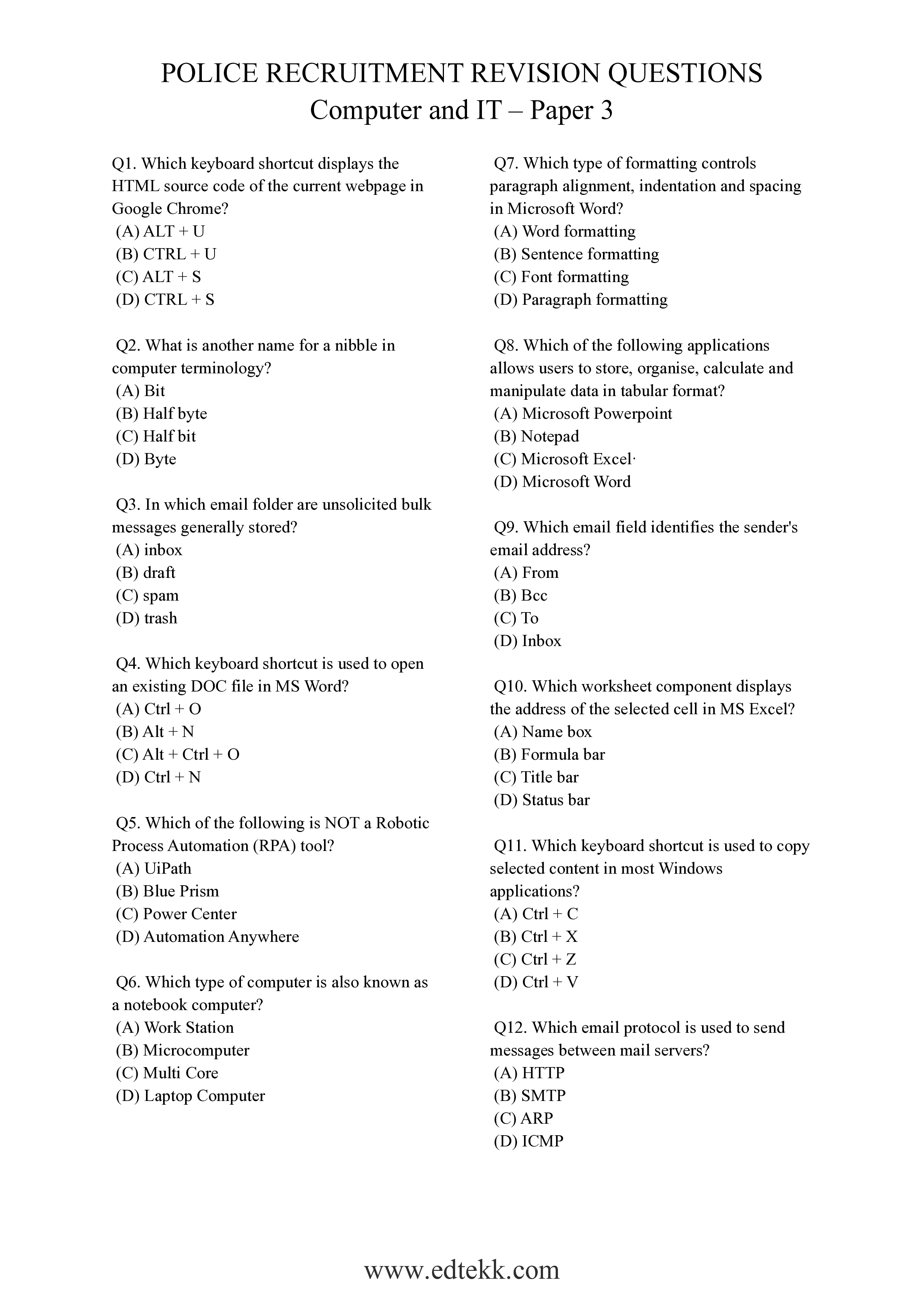
Q1. Which keyboard shortcut displays the HTML source code of the current webpage in Google Chrome?
(A) ALT + U
(B) CTRL + U
(C) ALT + S
(D) CTRL + S
Explanation: Pressing Ctrl + U displays the HTML source code of the current webpage in Google Chrome. The source view allows users to inspect the webpage’s underlying HTML markup but does not directly edit the original webpage. It is useful for examining the document’s structure and markup.
Q2. What is another name for a nibble in computer terminology?
(A) Bit
(B) Half byte
(C) Half bit
(D) Byte
Explanation: A nibble is a group of four bits, equivalent to half a byte. Since one byte conventionally consists of eight bits, a nibble is also known as a half-byte. Nibbles are commonly used in hexadecimal representation because each hexadecimal digit corresponds to exactly four binary bits.
Q3. In which email folder are unsolicited bulk messages generally stored?
(A) inbox
(B) draft
(C) spam
(D) trash
Explanation: Spam refers to unsolicited or unwanted bulk email messages. Email services use automated filters to identify such messages and generally store them in the Spam or Junk folder rather than the main Inbox. The folder name may vary depending on the email service.
Q4. Which keyboard shortcut is used to open an existing DOC file in MS Word?
(A) Ctrl + O
(B) Alt + N
(C) Alt + Ctrl + O
(D) Ctrl + N
Explanation: Ctrl + O opens the Open dialogue or file-opening interface in Microsoft Word. It allows users to browse for and open existing documents, including files with the .doc extension. Ctrl + N creates a new document, whereas Ctrl + O is used to open an existing document.
Q5. Which of the following is NOT a Robotic Process Automation (RPA) tool?
(A) UiPath
(B) Blue Prism
(C) Power Center
(D) Automation Anywhere
Explanation: PowerCenter is an enterprise data integration and ETL (Extract, Transform, Load) tool developed by Informatica, rather than a dedicated Robotic Process Automation (RPA) platform. Blue Prism, UiPath and Automation Anywhere are established RPA tools used to automate repetitive, rule-based business processes.
Q6. Which type of computer is also known as a notebook computer?
(A) Work Station
(B) Microcomputer
(C) Multi Core
(D) Laptop Computer
Explanation: A notebook computer is another name for a laptop computer. It is a portable microcomputer with integrated components such as a display, keyboard, battery and processor. Its compact design allows users to perform computing tasks in different locations.
Q7. Which type of formatting controls paragraph alignment, indentation and spacing in Microsoft Word?
(A) Word formatting
(B) Sentence formatting
(C) Font formatting
(D) Paragraph formatting
Explanation: Microsoft Word primarily uses two types of formatting: character formatting and paragraph formatting. Character formatting affects individual characters or selected text, whereas paragraph formatting controls the appearance and layout of entire paragraphs, including alignment, indentation and spacing.
Q8. Which of the following applications allows users to store, organise, calculate and manipulate data in tabular format?
(A) Microsoft Powerpoint
(B) Notepad
(C) Microsoft Excel·
(D) Microsoft Word
Explanation: Microsoft Excel is spreadsheet software designed to store, organise, calculate and manipulate data in tabular form. It arranges information into rows and columns and provides formulas, functions, charts and other data-analysis tools.
Q9. Which email field identifies the sender’s email address?
(A) From
(B) Bcc
(C) To
(D) Inbox
Explanation: The From field identifies the sender’s email address or display name. However, the displayed sender information can be spoofed and does not independently verify the sender’s identity. The To field identifies the primary recipients, while Bcc allows recipients to receive a copy without revealing their addresses to other recipients.
Q10. Which worksheet component displays the address of the selected cell in MS Excel?
(A) Name box
(B) Formula bar
(C) Title bar
(D) Status bar
Explanation: The Name Box displays the address or reference of the active cell or selected range. For example, if B5 is selected, the Name Box displays B5. It is located to the left of the Formula Bar.
Q11. Which keyboard shortcut is used to copy selected content in most Windows applications?
(A) Ctrl + C
(B) Ctrl + X
(C) Ctrl + Z
(D) Ctrl + V
Explanation: Ctrl + C is the standard keyboard shortcut for copying selected text, files or other supported content in most Windows applications. Ctrl + X cuts selected content, Ctrl + Z typically undoes the most recent action, and Ctrl + V pastes copied or cut content.
Q12. Which email protocol is used to send messages between mail servers?
(A) HTTP
(B) SMTP
(C) ARP
(D) ICMP
Explanation: Simple Mail Transfer Protocol (SMTP) is used to send email messages between mail servers and from email clients to outgoing mail servers. HTTP transfers web resources, ARP maps IP addresses to MAC addresses on local networks, and ICMP supports network diagnostics and error reporting.
Q13. What does the term MODEM stand for in computer networking?
(A) Modem Dynamics
(B) Modulator-Demodulator
(C) Modulator-Defragmenter
(D) Modem Machine
Explanation: MODEM stands for Modulator-Demodulator. It converts digital data into signals suitable for transmission over a communication medium and converts received signals back into data. Cable modems enable internet connectivity through cable networks by transmitting and receiving data over the cable infrastructure.
Q14. What is the process of transferring files from a computer to the Internet called?
(A) Uploading
(B) Deleting
(C) Downloading
(D) Accessing
Explanation: Uploading means transferring data or files from a local computer or device to a remote computer, server or Internet-based platform. Downloading refers to the opposite process, in which data is transferred from the Internet or another remote system to the user’s device.
Q15. Which folder is generally used to store incoming email messages?
(A) Spam
(B) Outbox
(C) Inbox
(D) Send
Explanation: The Inbox folder generally stores incoming email messages received by an email account. Spam stores messages identified as unwanted or suspicious, while Outbox typically holds outgoing messages awaiting transmission and Sent stores messages that have been sent.
Q16. Who developed the first Internet search engine, Archie?
(A) David Filo
(B) Matthew Gray
(C) Alan Emtage
(D) Martijn Koster
Explanation: Alan Emtage, a student at McGill University in Canada, developed Archie in 1990. It is widely regarded as the first Internet search engine. Archie indexed file listings available on anonymous FTP servers, enabling users to locate specific files across the Internet.
Q17. Which of the following is NOT an operating system?
(A) Mac OS
(B) Unix
(C) Linux
(D) SQL
Explanation: SQL (Structured Query Language) is a language used to create, retrieve, update, and manage data in relational database systems. It supports operations such as querying records, defining database structures, and controlling access to data. Unix, Linux, and Mac OS are operating systems, whereas SQL is a database language and cannot independently perform operating system functions.
Q18. To which category of functions does the LEN function in Microsoft Excel belong?
(A) Logical
(B) Text
(C) Financial
(D) Math and Trig
Explanation: The LEN function belongs to the Text category in Microsoft Excel. It returns the number of characters in a specified text string, including spaces and punctuation marks. For example, =LEN(“INDIA”) returns 5.
Q19. What does GUI stand for in computer science?
(A) Graphical User Interface
(B) Group User Interface
(C) Graphic User Integration
(D) Group User Integration
Explanation: GUI stands for Graphical User Interface. It enables users to interact with computers through graphical elements such as windows, icons, menus and buttons rather than relying exclusively on text-based commands. GUIs provide a visual and user-friendly means of interacting with computer systems and applications.
Q20. Which of the following refers to a worldwide system of interconnected computer networks?
(A) Webpage
(B) Intranet
(C) Internet
(D) Website
Explanation: The Internet is a worldwide system of interconnected computer networks that communicate using standardized networking protocols, particularly the TCP/IP suite. It supports services such as email, file transfer, web browsing, and online communication. An intranet is a private network restricted to an organization or its authorized users.
Question Paper Images