Strengthen your preparation through this ninth Computer and IT revision set for Police Constable and Police SI examinations. Featuring 20 objective practice questions on computer knowledge and information technology, this paper includes answers and explanations to improve conceptual understanding, revision efficiency and exam confidence.
Test Details
Topic: Computer and IT
Total Questions: 20
Question Format: MCQs – Single Correct Answer
Suitable for: Police Constable, Police SI
Download All Papers in This Series (PDF)
Questions and Answers
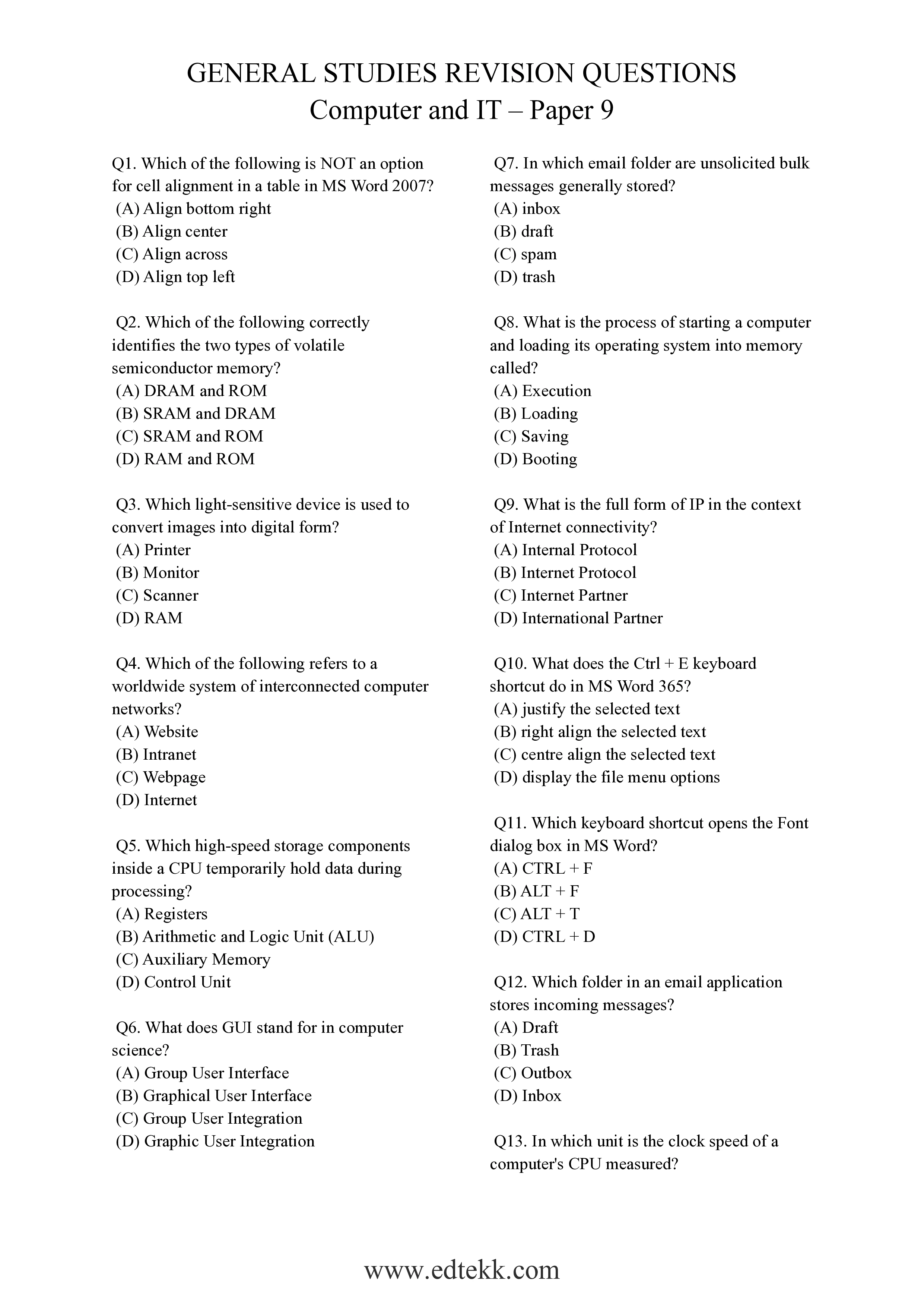
Q1. Which of the following is NOT an option for cell alignment in a table in MS Word 2007?
(A) Align bottom right
(B) Align center
(C) Align across
(D) Align top left
Explanation: Align Across is not one of the nine standard cell-alignment positions available in Microsoft Word 2007 tables. These positions combine three horizontal alignments (left, centre and right) with three vertical alignments (top, centre and bottom). Align Bottom Right, Align Center and Align Top Left are valid options.
Q2. Which of the following correctly identifies the two types of volatile semiconductor memory?
(A) DRAM and ROM
(B) SRAM and DRAM
(C) SRAM and ROM
(D) RAM and ROM
Explanation: Semiconductor memory is classified as volatile or non-volatile according to its ability to retain data without electrical power. SRAM (Static Random Access Memory) and DRAM (Dynamic Random Access Memory) are both volatile memory types because they require power to retain stored information. ROM is an example of non-volatile memory.
Q3. Which light-sensitive device is used to convert images into digital form?
(A) Printer
(B) Monitor
(C) Scanner
(D) RAM
Explanation: A scanner is an input device that uses light-sensitive sensors to capture printed text, photographs and other images and convert them into digital form. The resulting digital data can be stored, edited and processed by a computer.
Q4. Which of the following refers to a worldwide system of interconnected computer networks?
(A) Website
(B) Intranet
(C) Webpage
(D) Internet
Explanation: The Internet is a worldwide system of interconnected computer networks that communicate using standardized networking protocols, particularly the TCP/IP suite. It supports services such as email, file transfer, web browsing, and online communication. An intranet is a private network restricted to an organization or its authorized users.
Q5. Which high-speed storage components inside a CPU temporarily hold data during processing?
(A) Registers
(B) Arithmetic and Logic Unit (ALU)
(C) Auxiliary Memory
(D) Control Unit
Explanation: Registers are small, high-speed storage locations inside the CPU that temporarily hold data, instructions, memory addresses and intermediate results during processing. They enable the processor to access essential information quickly. The ALU performs arithmetic and logical operations, the Control Unit coordinates execution, and auxiliary memory provides additional storage.
Q6. What does GUI stand for in computer science?
(A) Group User Interface
(B) Graphical User Interface
(C) Group User Integration
(D) Graphic User Integration
Explanation: GUI stands for Graphical User Interface. It enables users to interact with computers through graphical elements such as windows, icons, menus and buttons rather than relying exclusively on text-based commands. GUIs provide a visual and user-friendly means of interacting with computer systems and applications.
Q7. In which email folder are unsolicited bulk messages generally stored?
(A) inbox
(B) draft
(C) spam
(D) trash
Explanation: Spam refers to unsolicited or unwanted bulk email messages. Email services use automated filters to identify such messages and generally store them in the Spam or Junk folder rather than the main Inbox. The folder name may vary depending on the email service.
Q8. What is the process of starting a computer and loading its operating system into memory called?
(A) Execution
(B) Loading
(C) Saving
(D) Booting
Explanation: Booting is the process of starting a computer and loading its operating system into memory (RAM) so that the system becomes ready for use. It generally involves hardware initialization, execution of firmware instructions, identification of a bootable device, and loading the operating system kernel. Booting may be classified as a cold boot or a warm boot.
Q9. What is the full form of IP in the context of Internet connectivity?
(A) Internal Protocol
(B) Internet Protocol
(C) Internet Partner
(D) International Partner
Explanation: IP stands for Internet Protocol. It is a fundamental network-layer protocol responsible for addressing and routing data packets across interconnected networks. An IP address identifies a network interface for communication. The two widely used versions are IPv4 (Internet Protocol version 4) and IPv6 (Internet Protocol version 6).
Q10. What does the Ctrl + E keyboard shortcut do in MS Word 365?
(A) justify the selected text
(B) right align the selected text
(C) centre align the selected text
(D) display the file menu options
Explanation: Ctrl + E is the keyboard shortcut for centre-aligning a paragraph in Microsoft Word 365. It positions the paragraph centrally between the left and right margins. Other alignment shortcuts include Ctrl + L for left alignment, Ctrl + R for right alignment and Ctrl + J for justified alignment.
Q11. Which keyboard shortcut opens the Font dialog box in MS Word?
(A) CTRL + F
(B) ALT + F
(C) ALT + T
(D) CTRL + D
Explanation: Ctrl + D opens the Font dialogue box in Microsoft Word. It provides options for changing font type, font size, font style, font colour and underline style, among other character-formatting settings. Ctrl + F opens the Find or Navigation pane.
Q12. Which folder in an email application stores incoming messages?
(A) Draft
(B) Trash
(C) Outbox
(D) Inbox
Explanation: The Inbox is the folder in an email application where incoming messages are received and managed. Users can read, organise, archive, delete and respond to messages stored there. Outbox generally holds messages awaiting transmission, while Drafts stores unfinished messages.
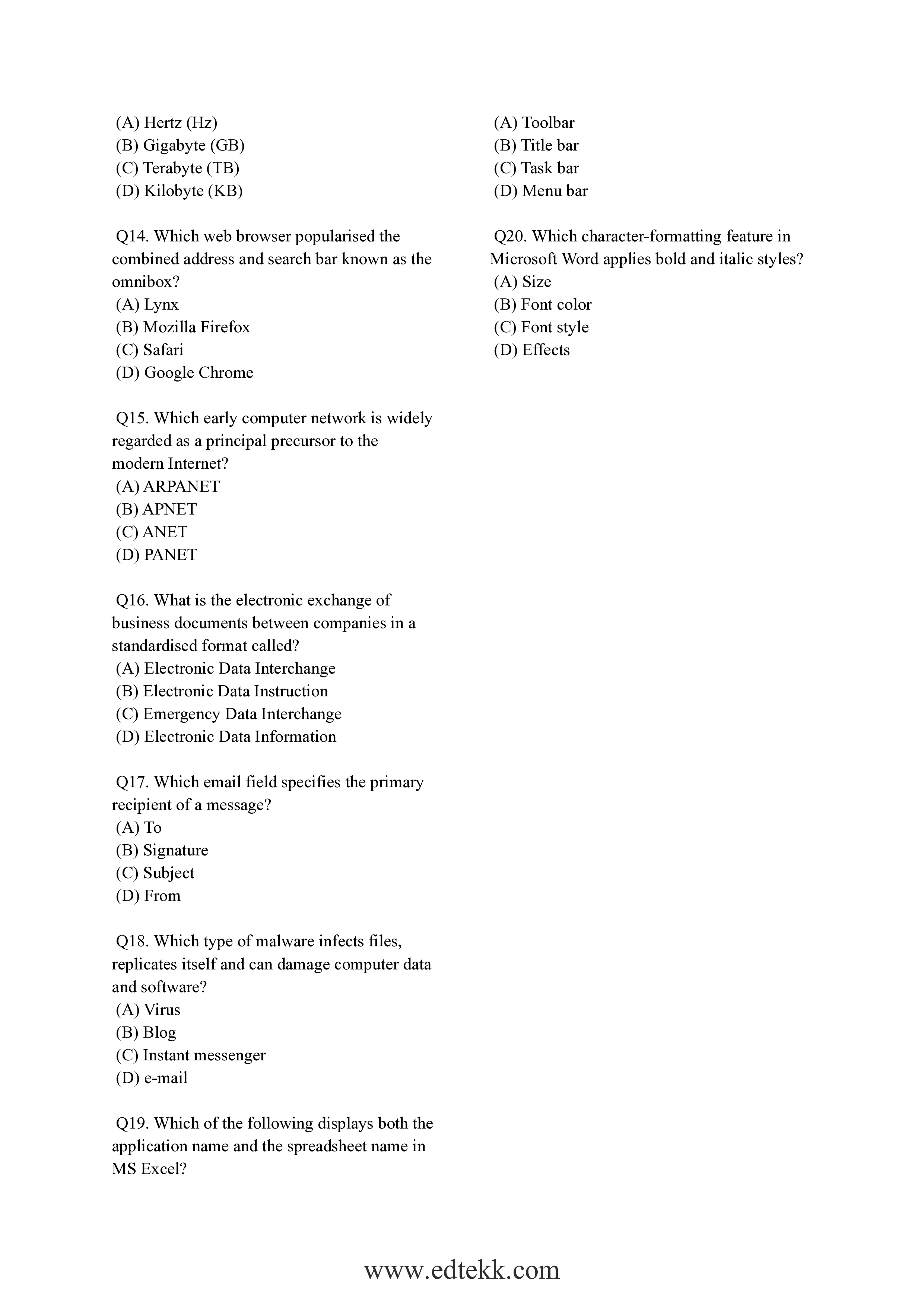
Q13. In which unit is the clock speed of a computer’s CPU measured?
(A) Hertz (Hz)
(B) Gigabyte (GB)
(C) Terabyte (TB)
(D) Kilobyte (KB)
Explanation: CPU clock speed is measured in hertz (Hz), which represents the number of clock cycles per second. Modern processors commonly operate at frequencies measured in gigahertz (GHz). However, clock speed alone does not determine overall performance, which also depends on processor architecture, core count and other factors.
Q14. Which web browser popularised the combined address and search bar known as the omnibox?
(A) Lynx
(B) Mozilla Firefox
(C) Safari
(D) Google Chrome
Explanation: Google Chrome popularised the omnibox, which combines the address bar and search functionality into a single input field. Users can enter website addresses or search queries in the same field. The term “omnibox” is particularly associated with Google Chrome.
Q15. Which early computer network is widely regarded as a principal precursor to the modern Internet?
(A) ARPANET
(B) APNET
(C) ANET
(D) PANET
Explanation: ARPANET (Advanced Research Projects Agency Network) was developed in the United States under the Advanced Research Projects Agency (ARPA) in the late 1960s. It was an early packet-switching network and is widely regarded as a principal precursor to the modern Internet.
Q16. What is the electronic exchange of business documents between companies in a standardised format called?
(A) Electronic Data Interchange
(B) Electronic Data Instruction
(C) Emergency Data Interchange
(D) Electronic Data Information
Explanation: Electronic Data Interchange (EDI) is the computer-to-computer exchange of standardised business documents between organisations. It enables businesses to transmit purchase orders, invoices and shipping notices electronically in a structured format, reducing paperwork, manual data entry and processing errors.
Q17. Which email field specifies the primary recipient of a message?
(A) To
(B) Signature
(C) Subject
(D) From
Explanation: The To field specifies the primary recipient or recipients of an email. The sender enters the intended recipients’ email addresses in this field. From identifies the sender, Subject describes the message’s topic, and Signature generally contains the sender’s name and contact information.
Q18. Which type of malware infects files, replicates itself and can damage computer data and software?
(A) Virus
(B) Blog
(C) Instant messenger
(D) e-mail
Explanation: A computer virus is a type of malicious software that can infect files or programs, replicate by attaching itself to other files, and spread between computers. It may damage, modify or delete data and disrupt software operations. Viruses are one category of malware, alongside worms, trojans and ransomware.
Q19. Which of the following displays both the application name and the spreadsheet name in MS Excel?
(A) Toolbar
(B) Title bar
(C) Task bar
(D) Menu bar
Explanation: The title bar displays the name of the application and the name of the currently open spreadsheet or workbook. In Microsoft Excel, it appears at the top of the application window and helps users identify the active application and file.
Q20. Which character-formatting feature in Microsoft Word applies bold and italic styles?
(A) Size
(B) Font color
(C) Font style
(D) Effects
Explanation: Font style determines the appearance of characters in a document. Common font styles include bold and italic, which can be applied individually or together to emphasise selected text. Font size controls character dimensions, while font colour changes the text’s colour.
Question Paper Images