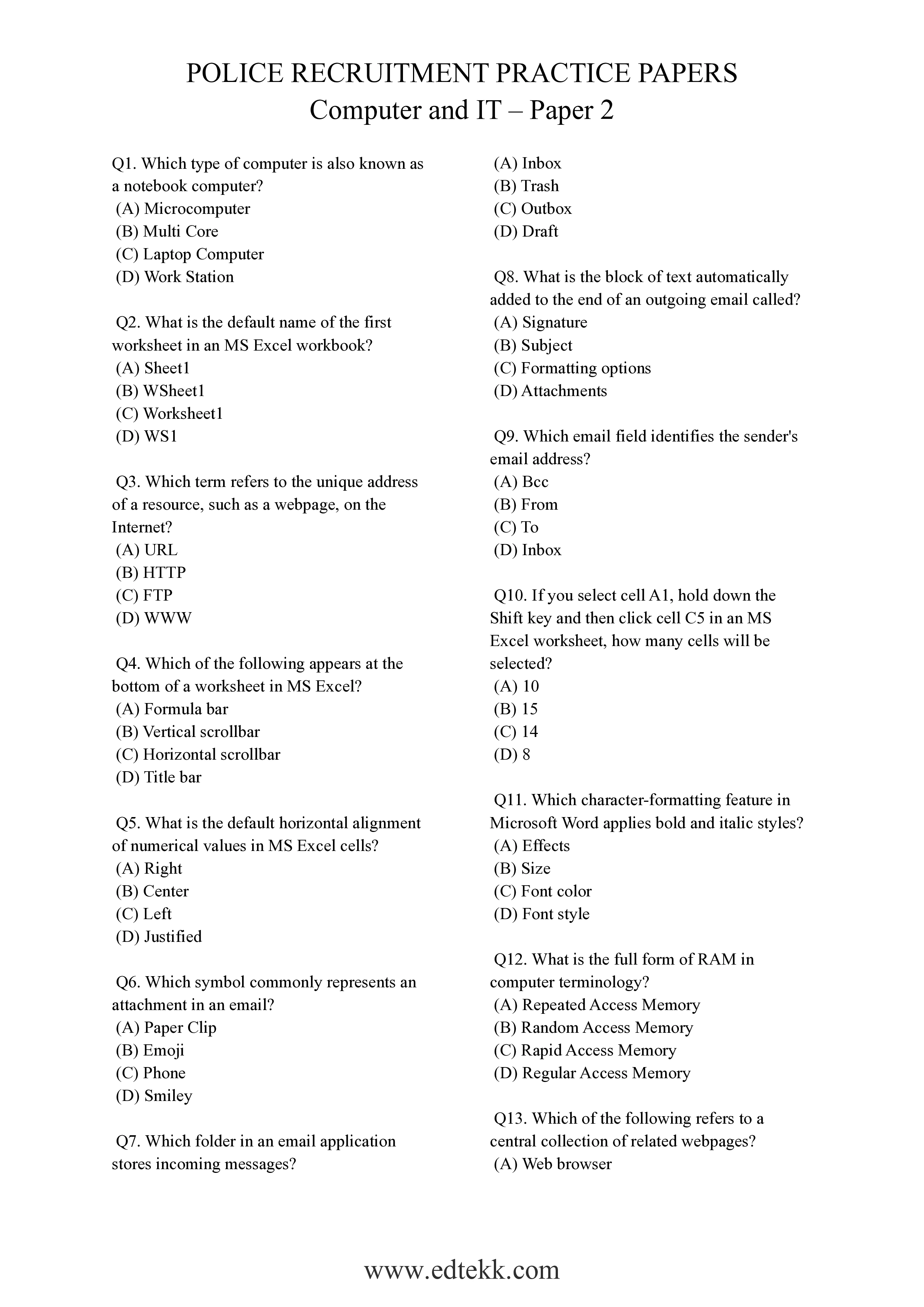
Strengthen your computer knowledge with Police Recruitment Computer and IT Practice Paper 2. Designed for Police Constable and Police SI aspirants, this practice set includes important objective questions covering computer and IT concepts, with correct answers and explanations for effective revision and competitive-exam preparation.
Test Details
Topic: Computer and IT
Total Questions: 20
Question Format: MCQs – Single Correct Answer
Suitable for: Police Constable, Police SI
Download All Papers in This Series (PDF)
Questions and Answers
Q1. Which type of computer is also known as a notebook computer?
(A) Microcomputer
(B) Multi Core
(C) Laptop Computer
(D) Work Station
Explanation: A notebook computer is another name for a laptop computer. It is a portable microcomputer with integrated components such as a display, keyboard, battery and processor. Its compact design allows users to perform computing tasks in different locations.
Q2. What is the default name of the first worksheet in an MS Excel workbook?
(A) Sheet1
(B) WSheet1
(C) Worksheet1
(D) WS1
Explanation: The default name of the first worksheet in a standard Excel workbook is Sheet1. Additional worksheets are typically named Sheet2, Sheet3, and so on. Worksheets can be renamed by the user.
Q3. Which term refers to the unique address of a resource, such as a webpage, on the Internet?
(A) URL
(B) HTTP
(C) FTP
(D) WWW
Explanation: URL stands for Uniform Resource Locator. It specifies the address of a resource on a network, such as a web page, image or document. A URL commonly contains a scheme, domain name and optional path or other components.
Q4. Which of the following appears at the bottom of a worksheet in MS Excel?
(A) Formula bar
(B) Vertical scrollbar
(C) Horizontal scrollbar
(D) Title bar
Explanation: The horizontal scrollbar appears at the bottom of an Excel worksheet and allows users to move left and right across columns. The vertical scrollbar is generally positioned along the right side of the worksheet and is used to navigate between rows.
Q5. What is the default horizontal alignment of numerical values in MS Excel cells?
(A) Right
(B) Center
(C) Left
(D) Justified
Explanation: By default, numerical values in Excel cells are right-aligned, while text is generally left-aligned. Excel automatically applies these alignments based on the type of data entered, although users can change the alignment manually.
Q6. Which symbol commonly represents an attachment in an email?
(A) Paper Clip
(B) Emoji
(C) Phone
(D) Smiley
Explanation: A paperclip is the commonly used icon to represent an email attachment. It indicates that a file, such as a document, image or spreadsheet, has been attached to a message. Clicking the attachment indicator generally allows users to view or download the attached file.
Q7. Which folder in an email application stores incoming messages?
(A) Inbox
(B) Trash
(C) Outbox
(D) Draft
Explanation: The Inbox is the folder in an email application where incoming messages are received and managed. Users can read, organise, archive, delete and respond to messages stored there. Outbox generally holds messages awaiting transmission, while Drafts stores unfinished messages.
Q8. What is the block of text automatically added to the end of an outgoing email called?
(A) Signature
(B) Subject
(C) Formatting options
(D) Attachments
Explanation: An email signature is a block of text automatically added to the end of outgoing messages. It commonly contains the sender’s name, designation, organisation and contact details. Most email applications allow users to create and configure a default signature for their outgoing emails.
Q9. Which email field identifies the sender’s email address?
(A) Bcc
(B) From
(C) To
(D) Inbox
Explanation: The From field identifies the sender’s email address or display name. However, the displayed sender information can be spoofed and does not independently verify the sender’s identity. The To field identifies the primary recipients, while Bcc allows recipients to receive a copy without revealing their addresses to other recipients.
Q10. If you select cell A1, hold down the Shift key and then click cell C5 in an MS Excel worksheet, how many cells will be selected?
(A) 10
(B) 15
(C) 14
(D) 8
Explanation: Selecting A1 and then holding Shift while clicking C5 selects the rectangular range A1:C5. It contains 3 columns (A–C) and 5 rows (1–5), so the total number of selected cells is 3 × 5 = 15.
Q11. Which character-formatting feature in Microsoft Word applies bold and italic styles?
(A) Effects
(B) Size
(C) Font color
(D) Font style
Explanation: Font style determines the appearance of characters in a document. Common font styles include bold and italic, which can be applied individually or together to emphasise selected text. Font size controls character dimensions, while font colour changes the text’s colour.
Q12. What is the full form of RAM in computer terminology?
(A) Repeated Access Memory
(B) Random Access Memory
(C) Rapid Access Memory
(D) Regular Access Memory
Explanation: RAM stands for Random Access Memory. It allows data to be accessed directly from any memory location without sequentially reading preceding locations. RAM temporarily stores data and instructions required by running programs. Conventional RAM is volatile, meaning its contents are generally lost when the power supply is switched off.
Q13. Which of the following refers to a central collection of related webpages?
(A) Web browser
(B) Web host
(C) Web site
(D) Search engine
Explanation: A website is a collection of related web pages generally organised under a common domain name. These pages are interconnected through hyperlinks and hosted on web servers. Users access websites through web browsers using a domain name or a specific URL.
Q14. Which of the following is NOT an example of mass communication?
(A) Radio
(B) Television
(C) Films
(D) door to door campaign
Explanation: Mass communication involves transmitting information to a large audience through media such as television, films and radio. A door-to-door campaign involves direct, personal communication with individuals or households rather than broadcasting information to a mass audience.
Q15. Which MS Excel function displays the current date and time?
(A) NOW
(B) DATEVALUE
(C) TIME
(D) DATE
Explanation: The NOW function returns the current date and time based on the system clock. Its syntax is =NOW(). The result updates when the worksheet recalculates. DATE returns a date, while TIME returns a time value.
Q16. Which email field specifies the primary recipient of a message?
(A) To
(B) From
(C) Signature
(D) Subject
Explanation: The To field specifies the primary recipient or recipients of an email. The sender enters the intended recipients’ email addresses in this field. From identifies the sender, Subject describes the message’s topic, and Signature generally contains the sender’s name and contact information.
Q17. What is the part of an email address before the @ symbol called?
(A) domain name
(B) username
(C) system name
(D) mail server
Explanation: The first part of a standard email address, appearing before the @ symbol, is called the local part or username. It identifies a particular mailbox within a domain. For example, in student@gmail.com, “student” is the local part and “gmail.com” is the domain.
Q18. What is the main printed circuit board of a computer called?
(A) Motherboard
(B) ROM (Read only Memory)
(C) CPU (Central Processing Unit)
(D) RAM (Random Access Memory)
Explanation: The motherboard is the main printed circuit board (PCB) of a computer. It provides physical and electrical connections for essential components, including the CPU, RAM, storage devices and expansion cards, and enables communication among connected components.
Q19. What does the Ctrl + E keyboard shortcut do in MS Word 365?
(A) justify the selected text
(B) right align the selected text
(C) centre align the selected text
(D) display the file menu options
Explanation: Ctrl + E is the keyboard shortcut for centre-aligning a paragraph in Microsoft Word 365. It positions the paragraph centrally between the left and right margins. Other alignment shortcuts include Ctrl + L for left alignment, Ctrl + R for right alignment and Ctrl + J for justified alignment.
Q20. Which keyboard shortcut opens a new Incognito window in Google Chrome?
(A) Ctrl + P
(B) Alt + Ctrl + N
(C) Ctrl + Shift + N
(D) Ctrl + N
Explanation: Google Chrome uses Ctrl + Shift + N on Windows and Linux to open a new Incognito window. Incognito mode does not save browsing history, cookies, or site data after all Incognito windows are closed. However, downloaded files and bookmarks are retained. It does not make users anonymous to websites, internet service providers, or network administrators.
Question Paper Images