Improve your preparation for Police Constable and Police SI examinations with Computer and IT Practice Paper 3. This practice set features objective-type questions on essential computer and information technology concepts, supported by accurate answers and explanations to help aspirants assess their understanding and revise effectively.
Test Details
Topic: Computer and IT
Total Questions: 20
Question Format: MCQs – Single Correct Answer
Suitable for: Police Constable, Police SI
Download All Papers in This Series (PDF)
Questions and Answers
Q1. What is the storage capacity of a standard 3.5-inch high-density floppy disk?
(A) 2.0 MB
(B) 1.44 MB
(C) 4.0 MB
(D) 2.44 MB
Explanation: A standard 3.5-inch high-density (HD) floppy disk has a formatted storage capacity of 1.44 MB (1,474,560 bytes). It was widely used in personal computers for storing and transferring files before being largely replaced by optical discs, USB drives and other modern storage technologies.
Q2. Which folder is generally used to store deleted email messages?
(A) Trash
(B) Junk
(C) Sent
(D) Draft
Explanation: The Trash folder, also called Bin or Deleted Items in different email services, generally stores deleted email messages. These messages may remain there temporarily before automatic or manual permanent deletion. Folder names and retention periods vary between email applications.
Q3. CryptoLocker is an example of which type of malware?
(A) Adware
(B) Ransomware
(C) Spyware
(D) Worms
Explanation: CryptoLocker is a notorious ransomware program that emerged in 2013. It encrypted files on infected computers and demanded payment in exchange for the means to decrypt them. CryptoLocker primarily spread through malicious email attachments and the Gameover Zeus botnet. It demonstrated how ransomware could cause significant financial losses by making important files inaccessible to their owners.
Q4. Which of the following is an output device?
(A) RAM
(B) Printer
(C) Joystick
(D) ROM
Explanation: A printer is an output device that produces a physical representation of computer-generated information on paper. RAM and ROM are memory components, whereas a joystick is an input device commonly used to control movement in games and other applications.
Q5. Where does the Zoom option appear in MS Excel?
(A) title bar
(B) formula bar
(C) status bar
(D) horizontal scroll bar
Explanation: The Zoom control is available on the Status Bar, generally at the bottom-right of the Excel window. It changes the worksheet’s display magnification without changing the underlying data.
Q6. Which of the following can be applied using the Borders and Shading option in Table Properties in MS Word 2007?
(A) Borders
(B) Orientation
(C) mailings
(D) Margins
Explanation: The Borders and Shading option in Microsoft Word 2007 allows users to apply borders and shading to table cells, rows, columns or entire tables. It controls the appearance of table boundaries and cell backgrounds. Orientation, Mailings and Margins are unrelated to this function.
Q7. Which of the following best describes Microsoft Word?
(A) It is a system software.
(B) It is a GUI-based operating system.
(C) It is a firmware.
(D) It is a word processor.
Explanation: Microsoft Word is a word-processing application used to create, edit, format, save and print text documents. It is application software, not an operating system, system software or firmware. It provides features such as spell-checking, table insertion and page formatting.
Q8. In which communication mode can data be transmitted simultaneously in both directions?
(A) Multiplex
(B) Simplex
(C) Half duplex
(D) Full duplex
Explanation: Full-duplex communication allows data to be transmitted simultaneously in both directions between two communicating devices. A telephone conversation is a common example. In half-duplex communication, data travels in both directions but not simultaneously, whereas simplex communication permits transmission in only one direction.
Q9. Which option in Gmail allows users to create a new email message?
(A) Compose
(B) Settings
(C) Outbound
(D) Drafts
Explanation: The Compose option in Gmail allows users to create a new email message. Selecting Compose opens a message window where users can enter the recipient’s email address, subject and message body. Attachments can also be added, and unsent messages are generally saved automatically in Drafts.
Q10. What is the result of the formula =16/2^3 in an MS Excel cell?
(A) 124
(B) 2
(C) 6
(D) 512
Explanation: Excel follows operator precedence, evaluating exponentiation before division. Thus, 2^3 = 8, and 16/8 = 2. Therefore, the formula =16/2^3 returns 2.
Q11. AIX is the operating system developed by which company?
(A) Apple
(B) IBM
(C) Unisys
(D) Microsoft
Explanation: AIX (Advanced Interactive eXecutive) is IBM’s proprietary Unix-based operating system. First introduced in 1986, it is primarily associated with IBM’s enterprise computing platforms. AIX is designed for reliability, scalability, security, and performance. It is commonly used in enterprise environments requiring stable operating systems for mission-critical applications and database workloads.
Q12. What is the process of starting a computer and loading the operating system into RAM called?
(A) Tagging
(B) Swiping
(C) Mapping
(D) Booting
Explanation: Booting is the process of starting a computer and loading the operating system into memory (RAM) so that the system becomes operational. During booting, firmware initializes hardware and starts the bootloader, which loads the operating system kernel. Booting may occur when a computer is powered on or restarted.
Q13. Which protocol suite is used for communication over the Internet?
(A) DNS
(B) SNMP
(C) DMZ
(D) TCP/IP
Explanation: TCP/IP stands for Transmission Control Protocol/Internet Protocol. It is the fundamental suite of communication protocols used by the Internet. IP handles addressing and packet routing between networks, while TCP provides reliable, ordered data transmission between communicating endpoints. Other protocols, including UDP, also operate within the TCP/IP suite.
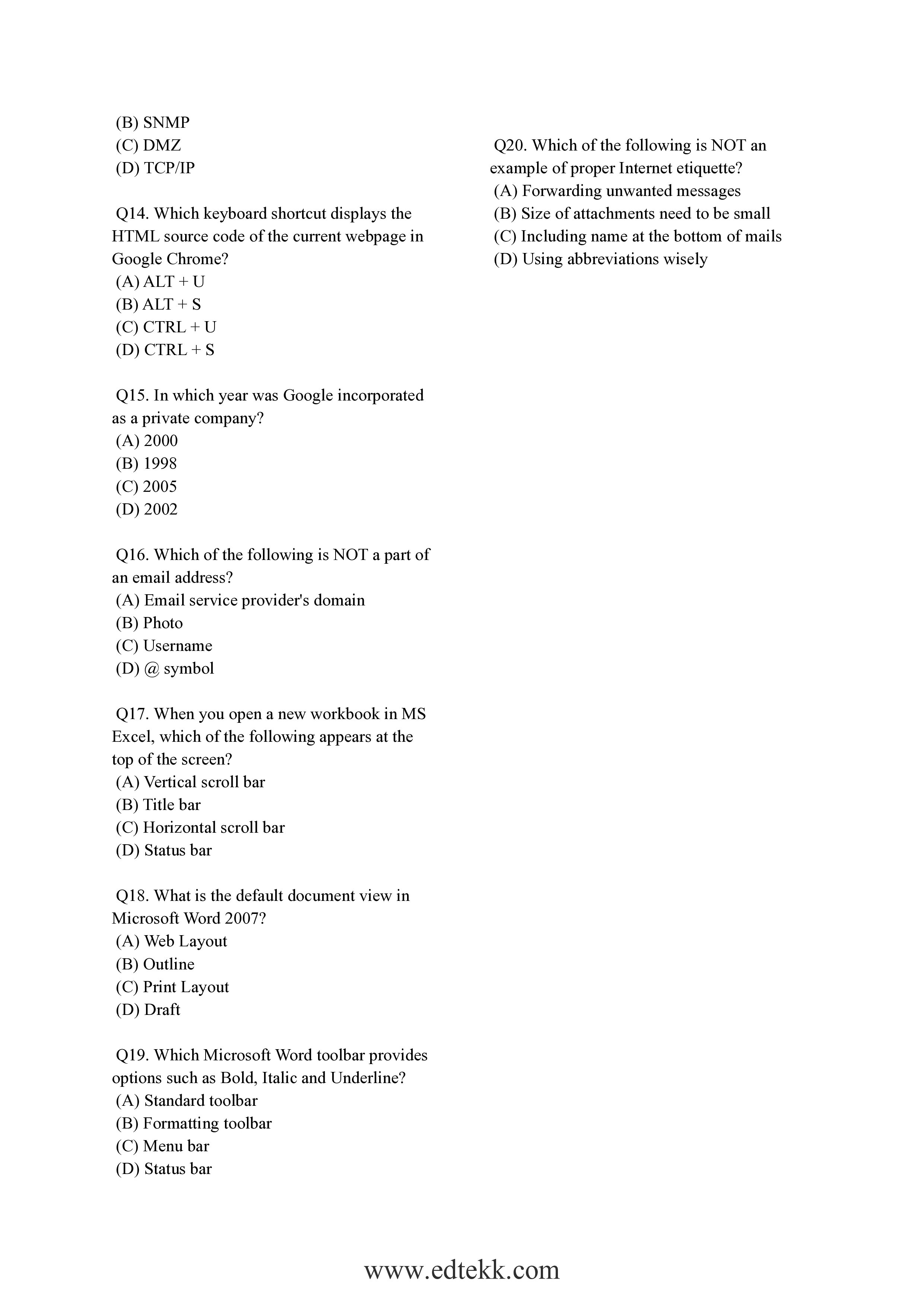
Q14. Which keyboard shortcut displays the HTML source code of the current webpage in Google Chrome?
(A) ALT + U
(B) ALT + S
(C) CTRL + U
(D) CTRL + S
Explanation: Pressing Ctrl + U displays the HTML source code of the current webpage in Google Chrome. The source view allows users to inspect the webpage’s underlying HTML markup but does not directly edit the original webpage. It is useful for examining the document’s structure and markup.
Q15. In which year was Google incorporated as a private company?
(A) 2000
(B) 1998
(C) 2005
(D) 2002
Explanation: Google was incorporated as a privately held company on 4 September 1998 by Larry Page and Sergey Brin. It originated as a search engine research project at Stanford University. The year 1998 marks the formal establishment of Google as a company.
Q16. Which of the following is NOT a part of an email address?
(A) Email service provider’s domain
(B) Photo
(C) Username
(D) @ symbol
Explanation: An email address generally consists of a local part (username), the @ symbol and a domain name identifying the mail system. For example, in student@example.com, “student” is the local part and “example.com” is the domain. A photograph is not a component of an email address.
Q17. When you open a new workbook in MS Excel, which of the following appears at the top of the screen?
(A) Vertical scroll bar
(B) Title bar
(C) Horizontal scroll bar
(D) Status bar
Explanation: The Title Bar is located at the top of the Excel application window. It displays information such as the workbook name and Microsoft Excel, along with window-management controls.
Q18. What is the default document view in Microsoft Word 2007?
(A) Web Layout
(B) Outline
(C) Print Layout
(D) Draft
Explanation: Print Layout is the default document view in Microsoft Word 2007. It displays a document as it would appear when printed, including page boundaries, margins, headers, footers and page breaks. Other available views include Draft, Outline and Web Layout.
Q19. Which Microsoft Word toolbar provides options such as Bold, Italic and Underline?
(A) Standard toolbar
(B) Formatting toolbar
(C) Menu bar
(D) Status bar
Explanation: The Formatting Toolbar in older versions of Microsoft Word provides commands for changing text appearance, including bold, italic and underline. In modern versions, these formatting options are available through the Font group on the Home tab of the Ribbon.
Q20. Which of the following is NOT an example of proper Internet etiquette?
(A) Forwarding unwanted messages
(B) Size of attachments need to be small
(C) Including name at the bottom of mails
(D) Using abbreviations wisely
Explanation: Forwarding unwanted messages is considered poor Internet etiquette because it can spread spam, misinformation and unnecessary content. Good email etiquette includes keeping attachments reasonably small, adding an appropriate signature and using abbreviations carefully to maintain clarity and professionalism.
Question Paper Images